
Order-to-kitchen flow for a busy café
How we would carry orders from the counter to the kitchen and into day-end totals without handwritten slips.
The situation
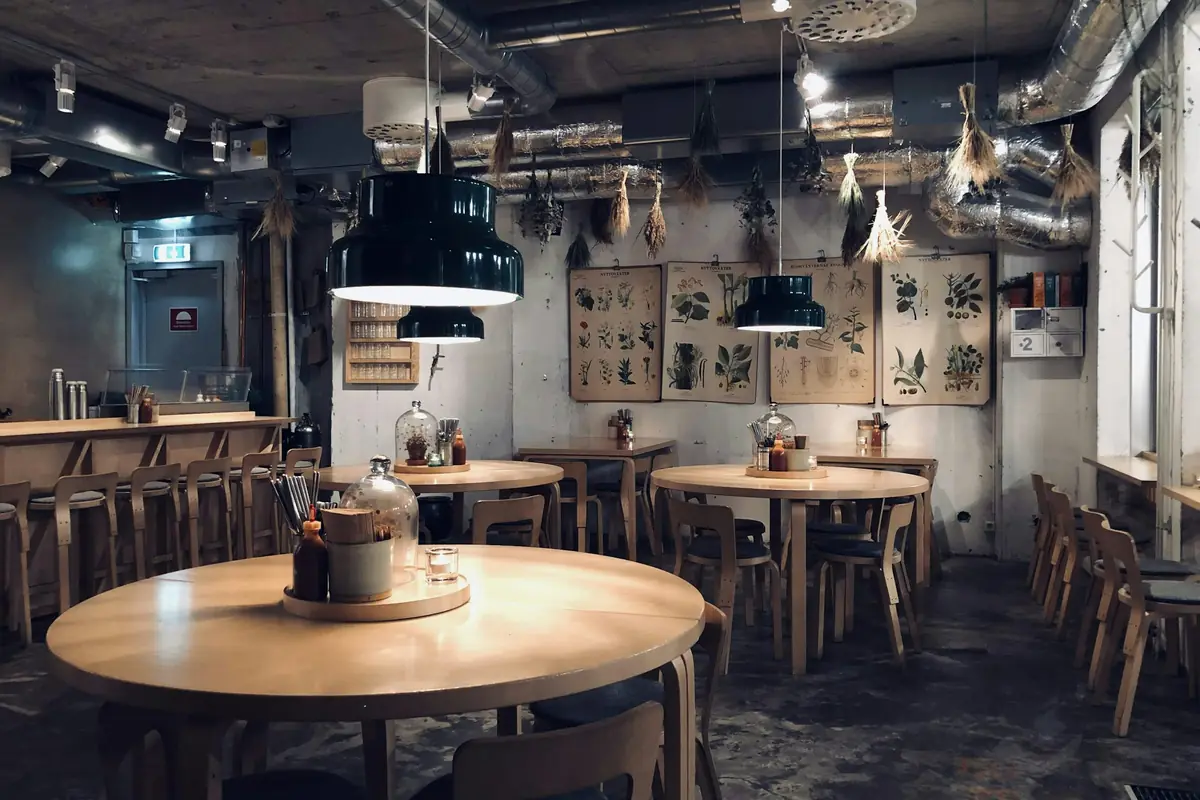
Imagine a café where orders are written on slips and carried to the kitchen. At peak hours slips are misread, takeaway and dine-in orders get mixed, and closing the cash takes far longer than it should.
What gets in the way
- Slips are lost or misread when the room is full
- Takeaway and dine-in orders get confused
- Menu prices live in several places
- Day-end cash and sales records disagree
What the system should achieve
- 01Orders reach the kitchen exactly as entered
- 02The menu and prices are kept in one list
- 03Day-end totals match the cash drawer
- 04The owner can see which items sell and which do not
How we would work through it
Each step has an output the owner can check before the next begins.
- 01
Watch a peak hour
Observe a busy hour to see where orders slow down, get misread or go missing.
A map of where orders break down - 02
One menu
Put items, prices and variations into a single list the counter uses.
An agreed menu list - 03
Bill at the counter
Bill every order through the POS so each sale is recorded once.
Billing live at the counter - 04
Design the kitchen view
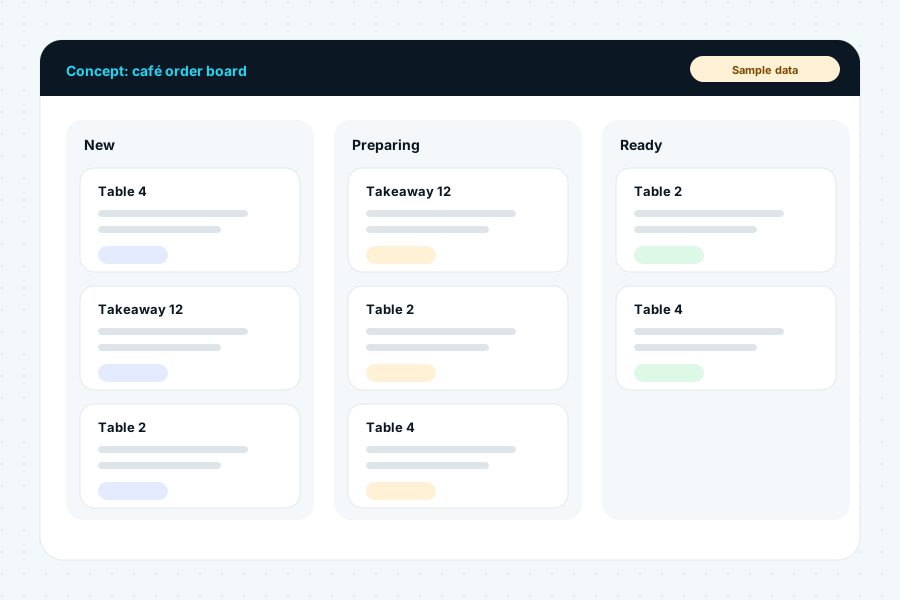
Scope a screen that shows incoming orders in sequence, marked dine-in or takeaway.
A kitchen screen scoped and priced - 05
Close the day
Compare the day-end sales report with the cash drawer, and review best and worst sellers weekly.
A day-end routine the team follows
What we would put in place
Billing and the daily sales history would come from the Nexify POS core. The kitchen order screen and any online ordering are custom work, scoped and priced separately.
- Counter billing for dine-in and takeawayNexify POS core
- Menu items and prices in one listNexify POS core
- Daily sales historyNexify POS core
- Kitchen order screenScoped separately in writing
- Online ordering through the café websiteScoped separately in writing
Building blocks
Indicative only. Final choices are made after discovery and confirmed in the written scope.
What it could look like
Example screens with sample data.
Nexify POS core
- Counter billing for dine-in and takeaway
- Menu items and prices in one list
- Daily sales history
Scoped separately in writing
- Kitchen order screen
- Online ordering through the café website
Built from
- A kitchen display on a tablet or screen (custom)
- The café website, if online ordering is added later
How success is judged
Every project starts by recording the business's own figures, so improvement can be measured against them rather than assumed.
Before and after
Success would be checked against the business's own figures, recorded before the work starts:
- Order mistakes per day
- Time from order to serving
- Time needed to close the day
- Best and worst selling items each week
More solution examples
One system for a mart's sales and stock
How we would bring billing, stock and a daily sales record for a two-counter mart into one system.
POS, Inventory and ERP Solutions, Custom Software DevelopmentRead the example →
Fee and attendance management for a small school
How we would replace paper registers with one record for fees, attendance and report cards.
School Management Systems, AI Integration and AutomationRead the example →
Launching a Shopify store for a brand that sells through Instagram
How we would move a small clothing brand from direct-message orders to a Shopify store with clear products, payments and delivery.
Shopify Store Development, Ecommerce DevelopmentRead the example →Facing something similar?
Tell us how your business works today. We will adapt the approach and send a private proposal.