
How to choose a POS system for a small shop
The questions to ask before you commit to any point-of-sale system, and how to test the answers with your own data.
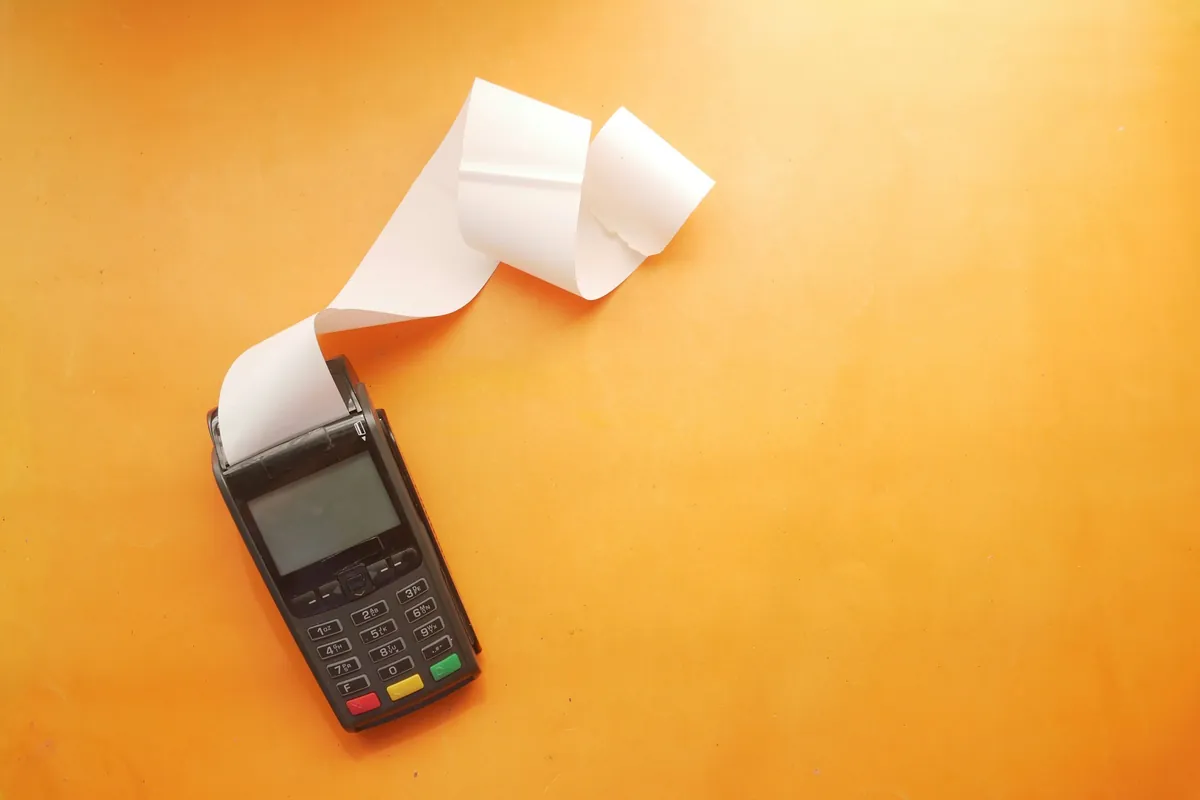
- Choose around your stock and daily habits, not the billing screen.
- Test what happens when the internet or power drops, with your own hardware.
- Trial with your own product list and your most awkward sales.
A POS looks simple until you live with it every day. The right system is the one your staff still use properly at six in the evening, when the shop is full and the queue reaches the door. These are the questions we suggest asking before you commit to any system, including ours.
Start with how you really sell
Write down how customers pay, whether some buy on account, whether prices change by customer or quantity, and how many counters run at once. Take that list to every demo. A system that ignores your habits gets worked around within a month, and then you are paying for software while still keeping a notebook.
Look at stock before billing
Billing is the easy part; almost any POS can add up a cart. The value is in stock. Ask to see a sale reduce the right quantity, a delivery added, and a miscount corrected. If fixing a mistake is awkward, mistakes will simply stay in the system.
Ask what happens offline
Ask directly what happens when the connection drops or the power goes, and what happens to sales made in that time. Then test it in the demo by switching off the Wi-Fi. Do the same with the receipt printer and barcode scanner you already own or plan to buy.
Check the reports you will actually read
Most owners need three answers: what sold today, what is running low and how today compares with last week. If those take more than a few taps to find, you will stop looking.
Compare the real cost over three years
- A one-time license against a monthly subscription
- Setup and entering your product list
- Staff training, and who answers questions afterwards
- Updates, support hours and what costs extra
- Hardware you need to buy or replace
Write the totals side by side. A low monthly fee with paid add-ons can cost more than a higher upfront price.
Trial it with your own data
Ask for a trial with your own product list and ten real sales from last week, including a return, a discount and a split payment. If the system handles your messy cases, it will handle the normal ones. Our guide to running a POS pilot explains how to do this without disrupting the counter.

Related guides

How to run a POS pilot in your shop
A step-by-step plan for trying a new point-of-sale system on one counter before you switch the whole shop.
Read the guide →
Stock-count habits that keep inventory honest
Simple counting and recording routines that keep stock figures true, whether you use a notebook, a spreadsheet or a POS.
Read the guide →
What to write in a software brief
Eight things to put in a brief so a developer can quote accurately and build what your business actually needs.
Read the guide →